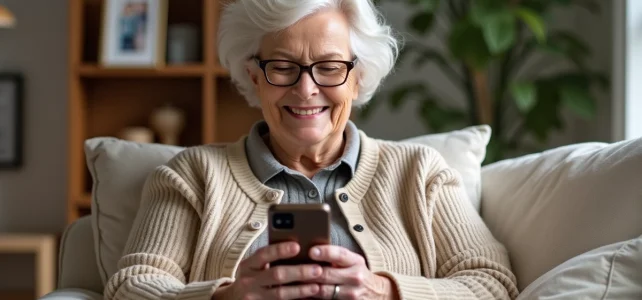
It is impossible to install WhatsApp on an incompatible Doro, even after multiple attempts or tricks gleaned from forums. The reality is technical: without Android, the application remains inaccessible, no matter the good intentions. For models equipped with Android Go, installation becomes feasible, but the experience depends on memory and updates. Each model imposes its own limits: operating system, capacity, software version. Nothing is left to chance, and using WhatsApp on a Doro is earned.
The ergonomics of Doro phones can be refined: display settings, font choices, visual or sound notifications. These options allow for personalizing WhatsApp to adapt to sight, hearing, or dexterity. Software updates also bring their share of improvements: fluidity, security, enhanced compatibility. To stay connected without hassle, a few usage tips make all the difference.
WhatsApp and Doro phones: what you need to know about compatibility
Doro does not just manufacture phones: the brand creates tools designed for seniors, with a range that extends from feature phones to smartphones, including tablets and smartwatches. The challenge: to facilitate access to digital technology without losing simplicity. But installing WhatsApp on a Doro is not automatic. Only models equipped with Android open the door to the application. Installation is then done via the Google Play Store, provided you have a sufficiently recent device with memory. The Doro 8100, 8080, 8050, 8220, 8062, 6880, 5860, and 7080 perform excellently.
One of the decisive advantages: end-to-end encryption on WhatsApp. For many seniors, protecting their conversations, messages, calls, and photos is a concrete need, far from a mere comfort issue. Privacy is non-negotiable.
Another game-changing point: compatibility with hearing aids, via the HAC standard. On several Doro models, the voice remains clear, even for hearing-impaired users. The EVA interface, designed for readability, allows for easy navigation in WhatsApp: installation, notifications, calls, everything becomes more accessible.
To check which models are compatible with WhatsApp and explore the steps to follow, the page doro compatible with whatsapp provides a comprehensive overview. It is important to keep in mind that everything depends on the operating system and memory: without Android, WhatsApp remains out of reach. Classic models, on the other hand, remain distant from connected uses.
Which Doro models allow for easy use of WhatsApp?
The choice of Doro model determines everything. At Doro, two worlds coexist: feature phones and Android smartphones. Only the latter provide access to WhatsApp via the Play Store. The Doro 8100, 8080, 8050, 8220, 8062, 6880, 5860, and 7080 are up to the task: smooth installation, stability, and usage designed for seniors.
The EVA interface makes a difference on these models: large icons, streamlined menus, enhanced readability. The consideration of hearing aids (HAC) on the Doro 8100, 8080, 8050, 8062, 6820, and 6880 ensures comfortable listening, even during WhatsApp calls. No one is left behind, regardless of their hearing situation.
Security is not overlooked: the assistance button equips the majority of these smartphones. A single press is enough to alert a loved one, locate the user, and provide reassurance if needed. Google Assistant, Response by Doro, and TeamViewer simplify handling, even remotely. And for those who want to keep an eye on their messages without taking out their phone, the Doro Watch connected to the 8100 displays notifications, calls, and SMS on the wrist.
To know the complete list of Doro models compatible with WhatsApp and to get detailed support for configuration, the page Using WhatsApp on a Doro phone: compatibility and tips for seniors, Seniorium remains the best reference.
Practical tips for a smooth use of WhatsApp by seniors
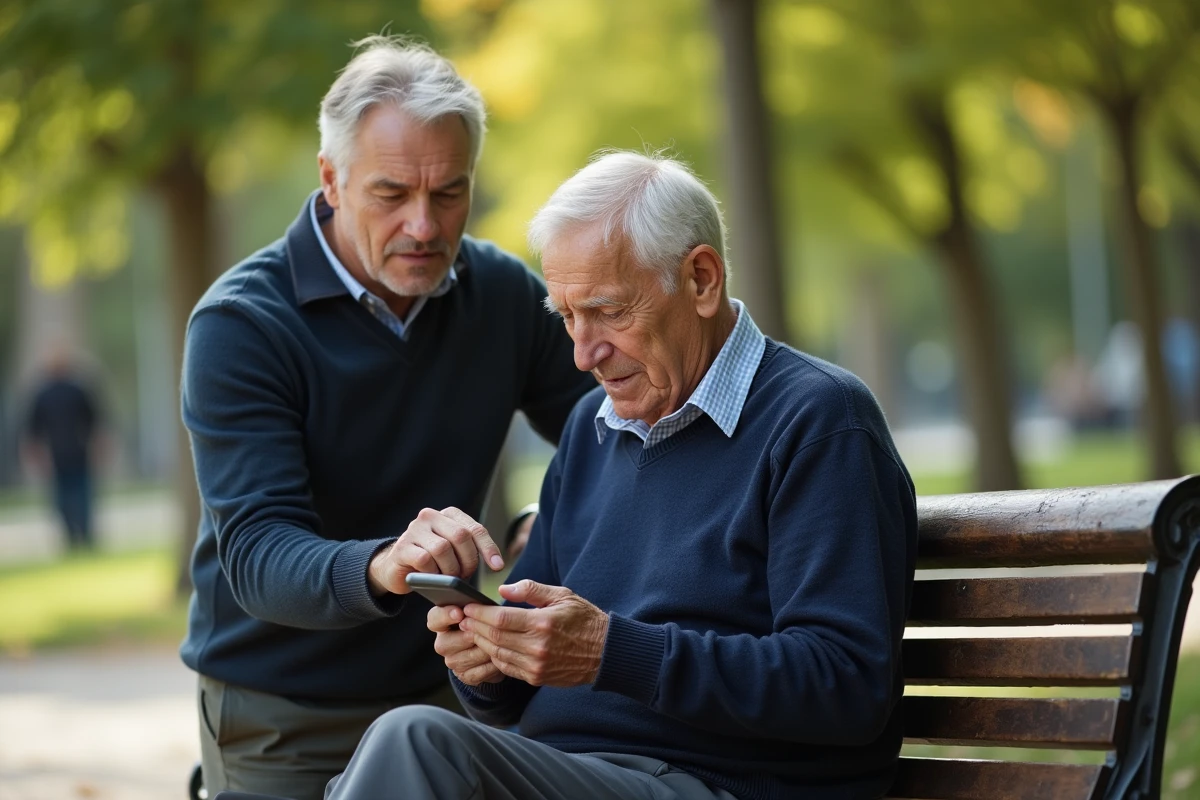
Installing WhatsApp on a Doro is straightforward via the Google Play Store. You open the application, enter the senior’s number, and then confirm with the SMS code received. Once this step is completed, activating the simplified mode on the smartphone transforms the experience: the EVA interface highlights favorite contacts and clear shortcuts, making every action obvious.
Voice dictation changes the game: just hold the virtual microphone, speak clearly, and the message writes itself. Zooming in on the text adjusts the character size to avoid visual fatigue. To ensure no exchange is missed, placing WhatsApp on the home screen, near the call button, and activating personalized notifications makes managing incoming messages and calls easier.
Here are some features to prioritize for optimal use:
- Video and voice calls: with one gesture, you can launch the camera or call in a conversation. Those equipped with hearing aids benefit from compatibility (HAC) on suitable models for clear sound.
- Privacy: every message and photo shared on WhatsApp remains protected thanks to end-to-end encryption. No data leaks, even during family exchanges.
- Tele-assistance: in case of difficulty, the assistance button on the Doro allows alerting a loved one and transmitting geolocation in a few seconds.
To strengthen family ties, nothing beats creating dedicated groups: everyone stays informed, exchanges are facilitated, and isolation gradually fades away. Seniors take control of their communication, without giving up simplicity or security. With each new message, it’s one step closer to embraced digital autonomy.